
Discontinued Classic TC Lite2.48.0 - App Store
You'll be able to see results in few seconds.
Publisher Description
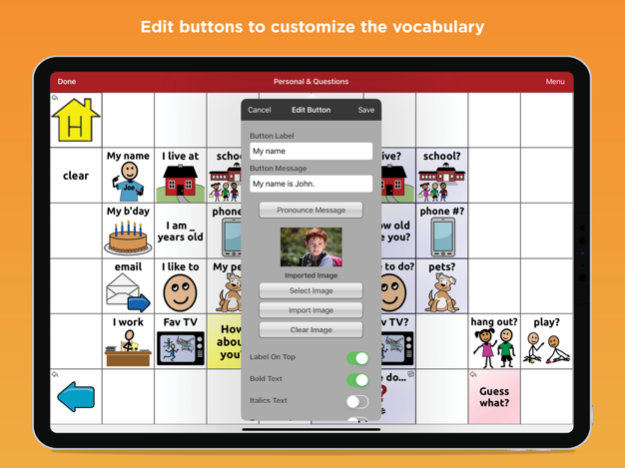
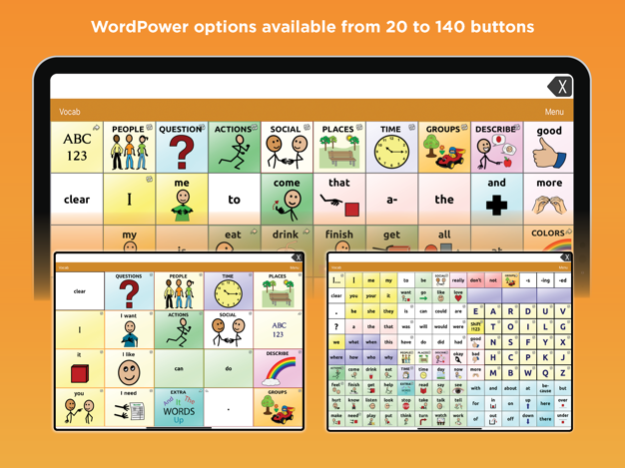
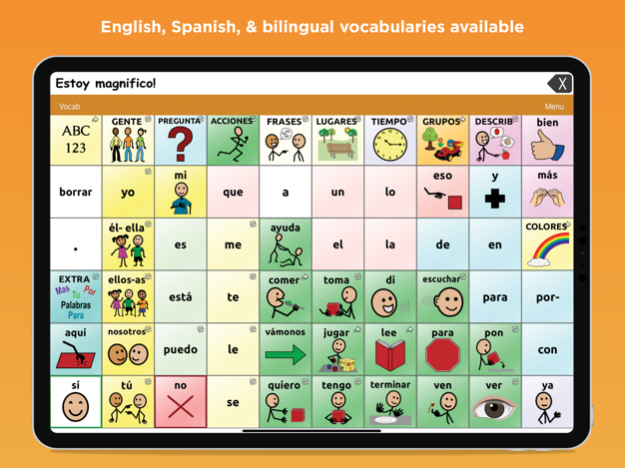
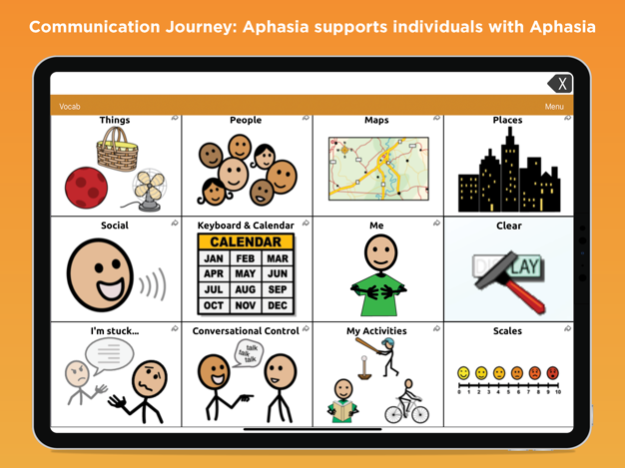
This app will be discontinued in May 2024. For continued use of the TouchChat app, please search for ‘TouchChat Discover’ which can be upgraded to ‘TouchChat HD Lite’.
May 8, 2024
Version 2.48.0
It’s not enough to be up to date, we are always working toward tomorrow.
New in this release:
Updated Realize Language logo
Added anonymous data collection
About Discontinued Classic TC Lite
The company that develops Discontinued Classic TC Lite is Prentke Romich Company. The latest version released by its developer is 2.48.0.
To install Discontinued Classic TC Lite on your iOS device, just click the green Continue To App button above to start the installation process. The app is listed on our website since 2024-05-08 and was downloaded 0 times. We have already checked if the download link is safe, however for your own protection we recommend that you scan the downloaded app with your antivirus. Your antivirus may detect the Discontinued Classic TC Lite as malware if the download link is broken.
How to install Discontinued Classic TC Lite on your iOS device:
- Click on the Continue To App button on our website. This will redirect you to the App Store.
- Once the Discontinued Classic TC Lite is shown in the iTunes listing of your iOS device, you can start its download and installation. Tap on the GET button to the right of the app to start downloading it.
- If you are not logged-in the iOS appstore app, you'll be prompted for your your Apple ID and/or password.
- After Discontinued Classic TC Lite is downloaded, you'll see an INSTALL button to the right. Tap on it to start the actual installation of the iOS app.
- Once installation is finished you can tap on the OPEN button to start it. Its icon will also be added to your device home screen.
Program Details
System requirements
Download information
Pricing
Version History
version 2.48.0
posted on 2024-05-08
May 8, 2024
Version 2.48.0
It’s not enough to be up to date, we are always working toward tomorrow.
New in this release:
Updated Realize Language logo
Added anonymous data collection
version 2.47.0
posted on 2024-03-06
Mar 6, 2024
Version 2.47.0
It’s not enough to be up to date, we are always working toward tomorrow.
New in this release:
Updated Word Finder search results
version 2.46.0
posted on 2024-01-03
Jan 3, 2024
Version 2.46.0
It’s not enough to be up to date, we are always working toward tomorrow.
New in this release:
Added learning word prediction
Added head tracking improvements (will now prompt user to calibrate)
Added iPhone 15 compatibility
version 2.45.0
posted on 2023-11-01
Nov 1, 2023
Version 2.45.0
It’s not enough to be up to date, we are always working toward tomorrow.
New in this release:
Minor Bug Fixes
version 2.44.1
posted on 2023-09-12
Sep 12, 2023
Version 2.44.1
It’s not enough to be up to date, we are always working toward tomorrow.
New in this release:
Minor Bug Fixes
version 2.44.0
posted on 2023-08-30
Aug 30, 2023
Version 2.44.0
It’s not enough to be up to date, we are always working toward tomorrow.
New in this release:
Added Canadian French vocabularies in standard library
version 2.43.0
posted on 2023-06-30
Jun 30, 2023
Version 2.43.0
It’s not enough to be up to date, we are always working toward tomorrow.
New in this release:
Changed the hover time menu to provide more options for head and eye tracking
Added French menu prompts
version 2.42.0
posted on 2023-04-26
Apr 26, 2023
Version 2.42.0
It’s not enough to be up to date, we are always working toward tomorrow.
New in this release:
Added Mac Apple Silicon processor compatibility
Added a setting to forget an account for Realize Language
Removed the version number for vocabulary files
version 2.41.0
posted on 2023-02-22
Feb 22, 2023
Version 2.41.0
It’s not enough to be up to date, we are always working toward tomorrow.
New in this release:
Create a button to link to a specific website
Added more apps to open directly from a button
Ability to edit the speech display bar with a movable cursor
Create a button to pause or resume eye or head tracking
Create a button to open the Hiru eye tracking configuration utility
Create a button to re-enable Assistive Touch while eye tracking
version 2.38.0
posted on 2022-08-17
Aug 17, 2022 Version 2.38.0
It’s not enough to be up to date, we are always working toward tomorrow.
New in this release:
Minor Bug Fixes
Disclaimer
Official App Store Link
We do not host Discontinued Classic TC Lite on our servers. We did not scan it for viruses, adware, spyware or other type of malware. This app is hosted by Apple and passed their terms and conditions to be listed there. We recommend caution when installing it.
The App Store link for Discontinued Classic TC Lite is provided to you by apps112.com without any warranties, representations or guarantees of any kind, so access it at your own risk.
If you have questions regarding this particular app contact the publisher directly. For questions about the functionalities of apps112.com contact us.
